


Block someone to stop all messages between you, on every listing. Report them to send the chat to the Sellwild team, which blocks them as well.
Block someone
- Open the conversation
In My Chats, or in the chat window on the listing.
- Tap the dots by their name
They sit at the top of the conversation.
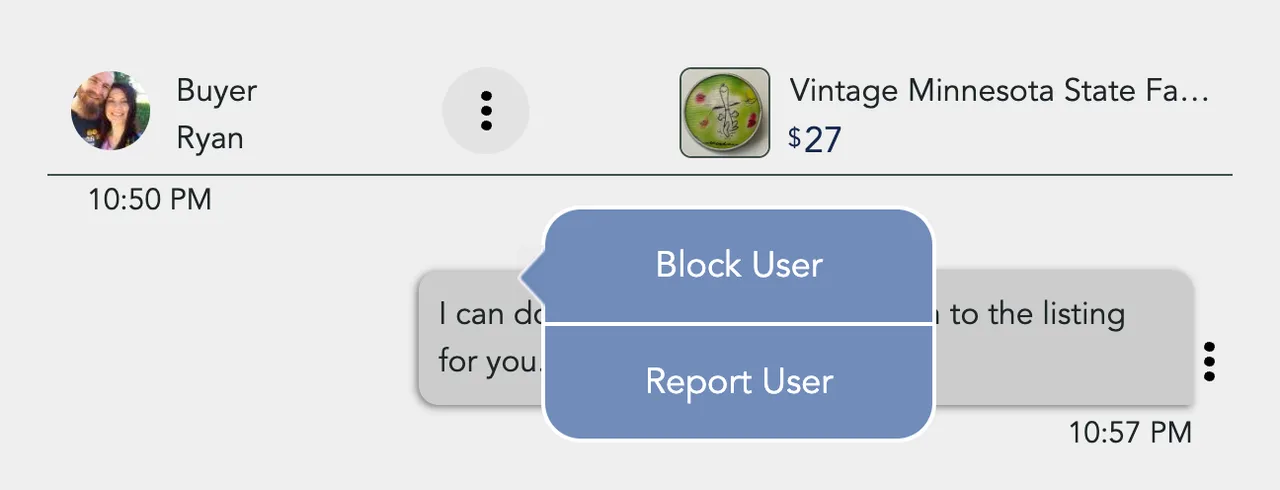
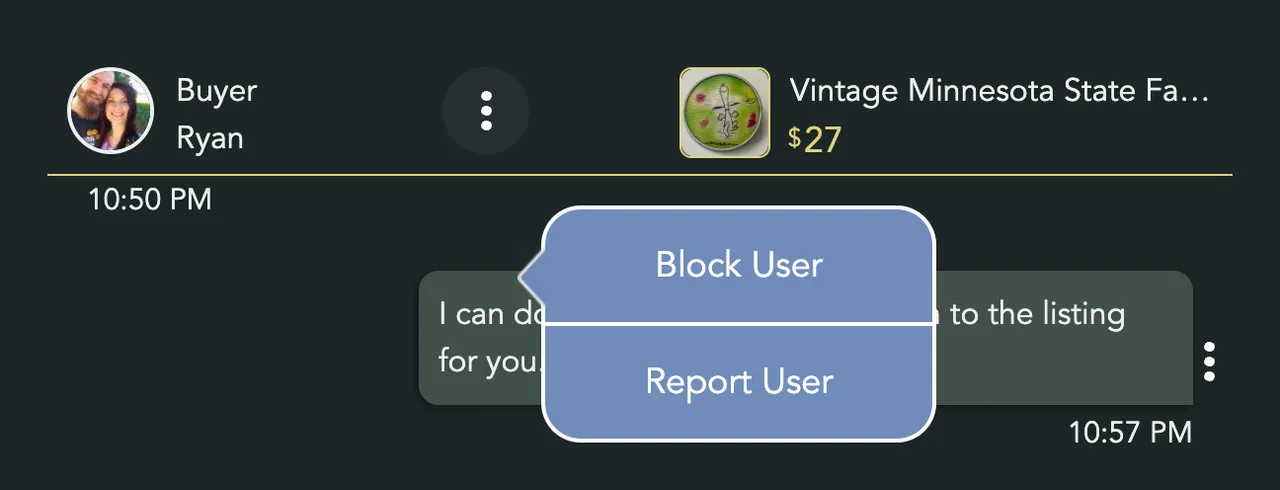
- Tap Block User
You'll see "User has been blocked".


From then on, neither of you can send the other a message, about any listing. They are not told. When they try, they see "Unable to send message to this user", and so do you. The conversation stays in My Chats, so you can still read it.
To undo it, open the same menu and tap Unblock User.
Report someone
Report scams, threats, and anything else the team should see.
- Choose Report User
It is in the same dots menu. The Report User window opens and says "This chat will be included in the report".
- Say what happened
Type in the box. Report and Block stays grey until you do.
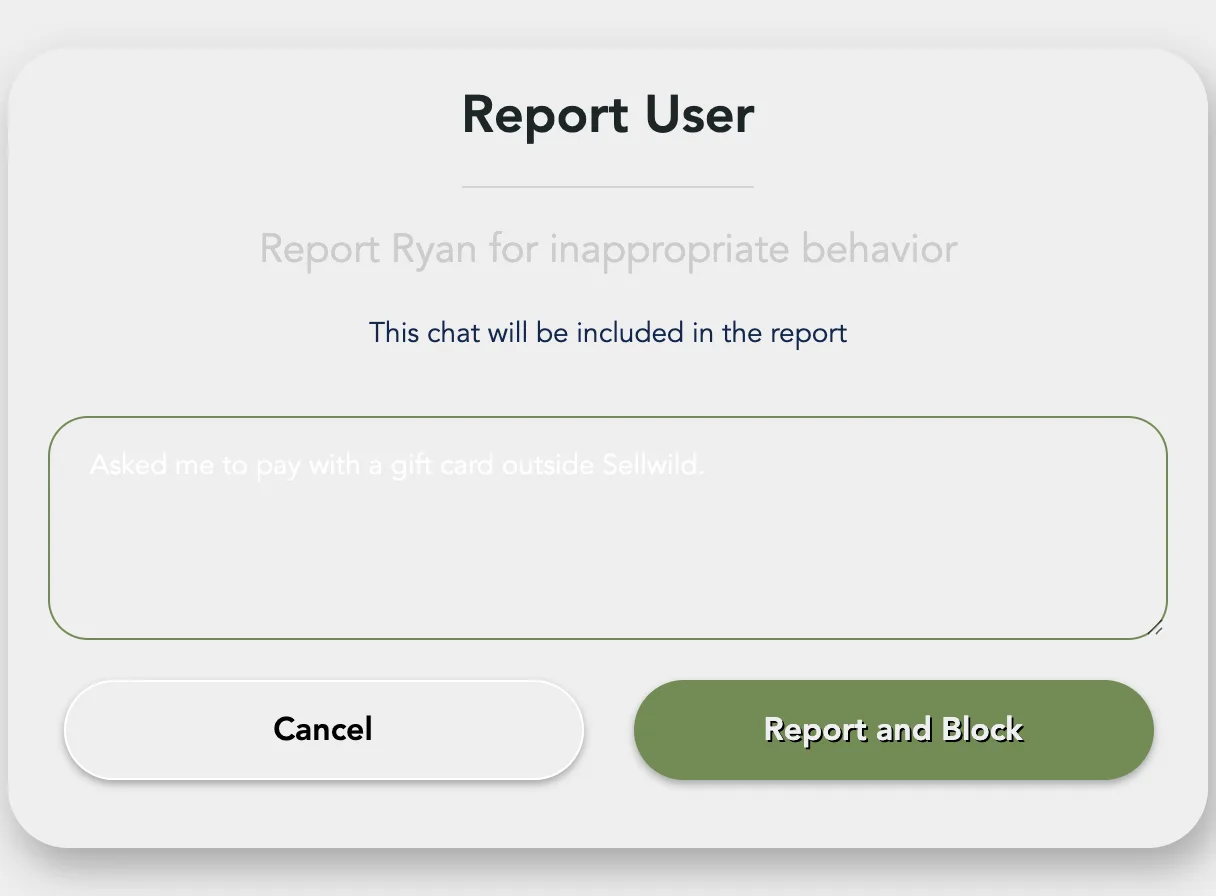
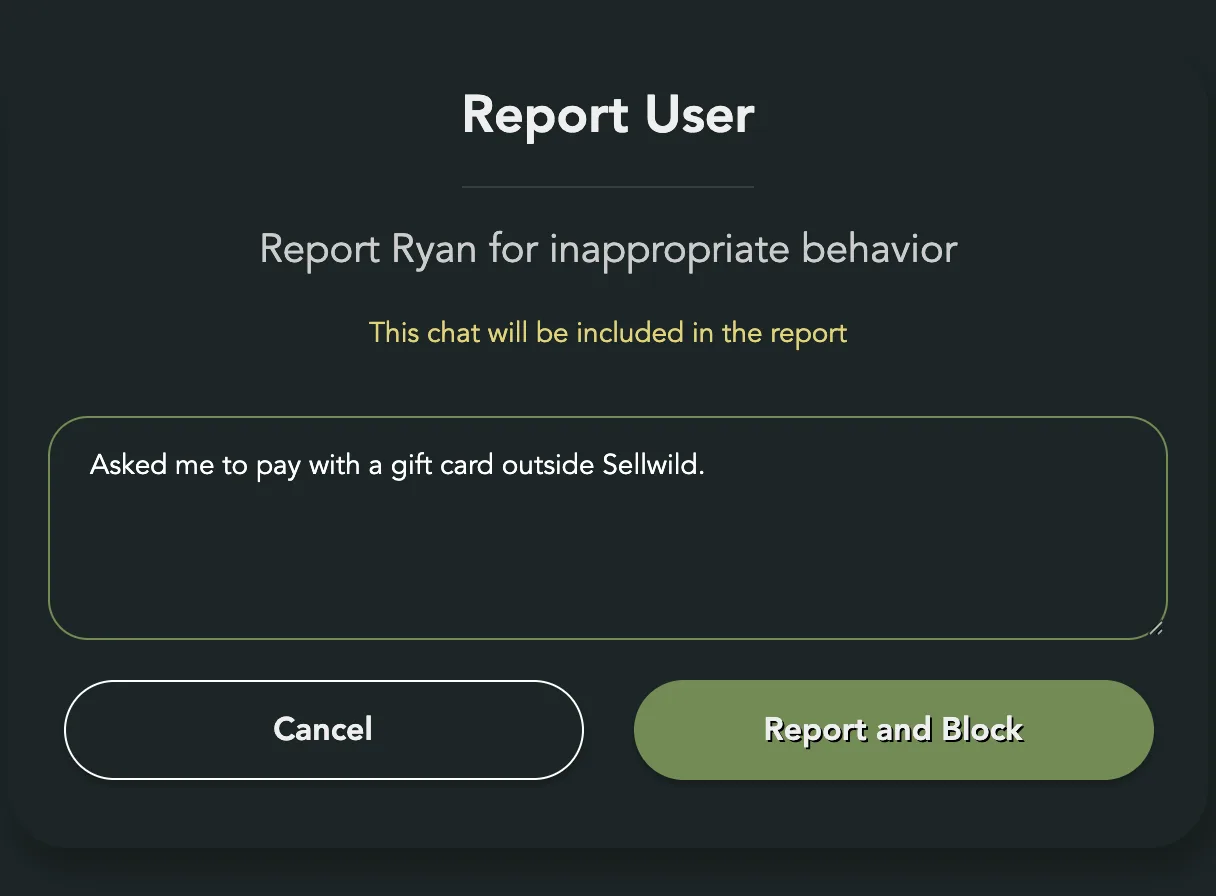
- Send it
Tap Report and Block. You'll see "User has been reported and blocked".


The Sellwild team gets your note and the whole conversation. The person is blocked right away, the same as Block User.
To report a listing instead of a person, see Report a listing.
Next Steps

More Buyer Guides
Creating an Account
Sign in or sign up with a 6-digit code, or with Google, Apple or Facebook. No password.
Sign-in Help
What to do when a sign-in code does not arrive, is refused, or a sign-in link has expired.

How to Buy
Find an item, check out with your saved address and card, and see what you pay.
Search and Filters
Find items by keyword or category, narrow them in the Filters panel, and hide rows you don't want.

The Listing Page
What a listing shows, why it says Buy Now, Contact Seller or View Deal, and how to report one.
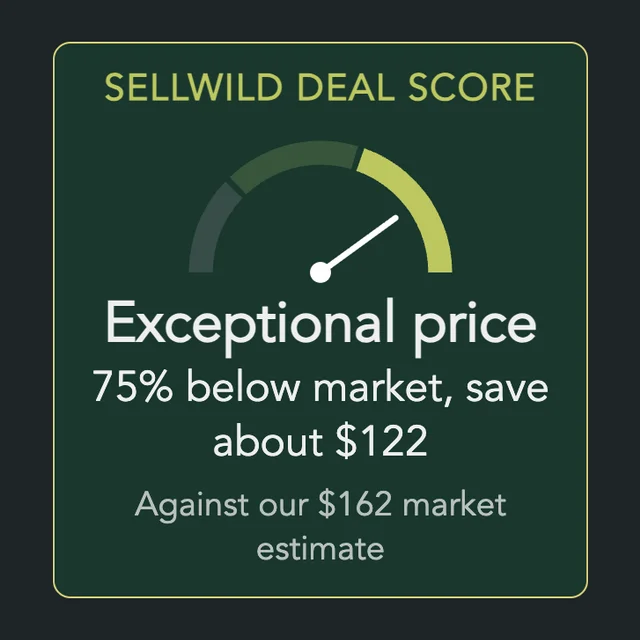
The Sellwild Deal Score
What the Deal Score on a listing means, and how we decide a price is a deal.
Guest Checkout
Buy without signing in first, and find your order afterwards.

Tracking Your Order
What each order status means, where the tracking number is, and how to confirm you got it.

My Purchases
Find an order, filter it by status, and read what you paid.
Cancelling an Order
Cancel an order before the seller accepts it, and what happens to the hold on your card.

Manage Wishlist
Save listings with the heart, then find, buy or clear them from your Wishlist.
