


Tap the chat button on a listing, or Contact Seller when the listing has no Buy Now, and type your question. Every message is checked before it is sent. On a Buy Now listing, phone numbers, emails and payment apps are refused until there is an order.
Message a seller from a listing
You need to be signed in. If you are not, the button opens the sign-in window first.
- Open the listing
Find the item and open its page.
- Open the chat
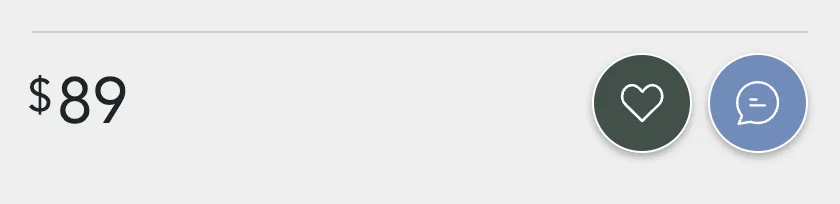
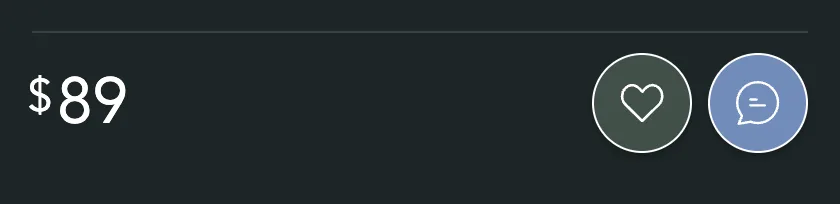
Tap the chat button, the speech bubble next to the heart. On a listing with no Buy Now, the big Contact Seller button opens the same chat.
- Type and send
Type in Ask about this listing and press the arrow, or Enter. The smiley button adds an emoji.


Your message shows in the window at once. The seller gets a notification and, unless they turned it off, an email. The chat is saved in My Chats, under the seller's name and under the listing.
Contact Seller shows when the seller can't take payment on Sellwild yet, or the item isn't set up for shipping. You then work out payment and pickup with the seller in chat. Partner listings, such as View Deal and Contact Shelter, have no chat button. They open the partner's site or an email instead.
What gets a message refused
Every message is checked before it is sent. A refused message never reaches the seller. Your text goes back in the box so you can change it.
| You see | Why |
|---|---|
| "For your safety, please keep all transactions on the platform. Sharing contact info, payment links, or arranging off-platform deals is not allowed." | A phone number, email, payment app or meetup on a Buy Now listing before there is an order |
| "Your message looks like it might be spam or an advertisement. Please keep conversations focused on the listing." | Links, sales pitches or scams |
| "Your message contains language that isn't allowed. Please rephrase without profanity or offensive terms." | Swearing or slurs |
| "Your message appears to contain hostile or abusive content. Please communicate respectfully with other users." | Threats or insults |
| "Your message appears to impersonate platform staff or support. Our team will never ask for your password or payment details via chat." | Claiming to be Sellwild staff |
| "We could not check this message right now. Please try again in a moment." | The check is down. Send it again in a minute |
| "Unable to send message to this user" | One of you blocked the other. See Blocking and Reporting |
Contact details are fine once you have an order, and on Contact Seller listings, where you need them to meet up.
Chat about an order
After you buy, the order page has a Securely Chat button. It opens your chat with that seller about the item. Use it for delivery questions, or to sort out a problem before you open a dispute.


Next Steps

Manage Chats
Find a conversation, see what is new, reply, and copy or delete messages.

Blocking and Reporting
Stop someone from messaging you, and report them to the Sellwild team.

How to Buy
Find an item, check out with your saved address and card, and see what you pay.

My Purchases
Find an order, filter it by status, and read what you paid.
Manage Chats
Find a conversation, see what is new, reply, and copy or delete messages.
More Buyer Guides
Creating an Account
Sign in or sign up with a 6-digit code, or with Google, Apple or Facebook. No password.
Sign-in Help
What to do when a sign-in code does not arrive, is refused, or a sign-in link has expired.
Search and Filters
Find items by keyword or category, narrow them in the Filters panel, and hide rows you don't want.

The Listing Page
What a listing shows, why it says Buy Now, Contact Seller or View Deal, and how to report one.
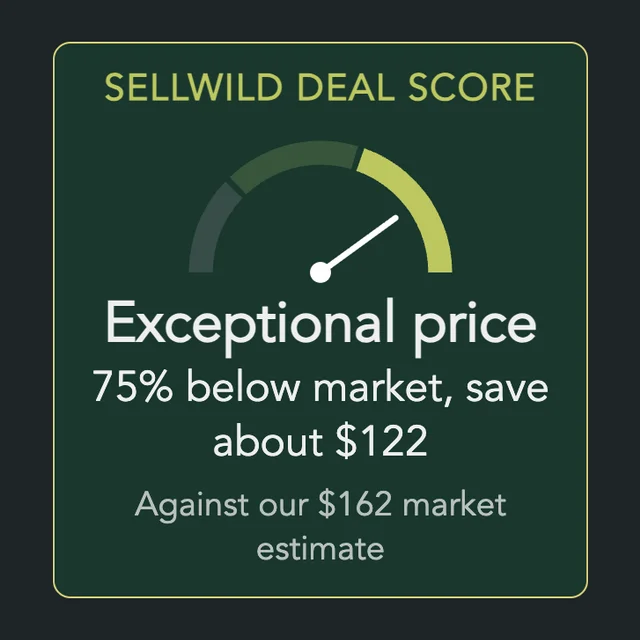
The Sellwild Deal Score
What the Deal Score on a listing means, and how we decide a price is a deal.

Guest Checkout
Buy without signing in first, and find your order afterwards.

Tracking Your Order
What each order status means, where the tracking number is, and how to confirm you got it.

Cancelling an Order
Cancel an order before the seller accepts it, and what happens to the hold on your card.

Order Disputes
Open a dispute when an order goes wrong, and what happens after you do.

Manage Wishlist
Save listings with the heart, then find, buy or clear them from your Wishlist.
