


Dispute Order is on the order page from when the seller accepts until the order is complete, which is 3 days after delivery unless you confirm sooner. Filing one puts the order on hold as Purchase Disputed and emails you and the seller your reason. Our support team follows up by email, and any refund goes back to your card.
Ask the seller first
A missing piece, the wrong size or a slow shipment is often fixed faster by the seller. Click Securely Chat on the order and say what happened. See Chatting with Sellers.
If they don't answer, or you can't agree on a fix, open a dispute. Don't wait too long: the window closes 3 days after delivery.
When you can dispute
| Order status | What you can do |
|---|---|
| Payment Authorized | Nothing to dispute yet. Click Cancel Order instead. See Cancelling an Order. |
| Seller Accepted Your Order | Dispute Order |
| Out for Delivery | Dispute Order |
| Item Delivered | Dispute Order, for 3 days after the carrier marks it delivered |
| Purchase Complete, Purchase Canceled | No button. Email support@sellwild.com. |
Confirming receipt closes the dispute window. Clicking Yes, I received it completes the order, and a complete order can't be disputed, so check the item before you confirm. If you do neither, the order completes by itself 3 days after delivery.
Open a dispute
- Open the order
Go to Purchases in your account and click Manage on the order.
- Click Dispute Order
It sits with the other buttons at the bottom of the order.


- Say what went wrong
Open a dispute? asks for a reason. Write what you expected, what arrived, and what you have tried with the seller.
- Submit
Click Submit Dispute. It only works once you have typed a reason. Nevermind closes the box without filing.


Keep photos of a damaged or wrong item. Our team will ask for them.
What happens next
- The order is put on hold
It reads Purchase Disputed and moves under the Disputed filter. It can't be shipped, confirmed or cancelled from the site any more, and it won't complete by itself.
- Everyone is told
You and the seller each get a Transaction Disputed email with your reason. Our team is alerted too.
- Support follows up
What's Next... reads Support Will Follow Up. We email you from support@sellwild.com. Reply there with photos and details.
- The outcome
If we refund you, the money goes back to the card you paid with. A full refund changes the order to Purchase Canceled. A partial refund, for a missing piece say, leaves the order as it was.


When the seller reports a problem
A seller can open a dispute too, with Report a Problem on their side of the order, from when they accept until the order is complete. The order reads Purchase Disputed and stops, just as if you had filed it. You get a notification that the seller reported a problem, and the Transaction Disputed email with their reason. Support follows up with you both by email.
Next Steps

Tracking Your Order
What each order status means, where the tracking number is, and how to confirm you got it.

My Purchases
Find an order, filter it by status, and read what you paid.

Cancelling an Order
Cancel an order before the seller accepts it, and what happens to the hold on your card.
Chatting with Sellers
Message a seller from a listing or an order, and what stops a message from sending.
More Buyer Guides
Creating an Account
Sign in or sign up with a 6-digit code, or with Google, Apple or Facebook. No password.
Sign-in Help
What to do when a sign-in code does not arrive, is refused, or a sign-in link has expired.

How to Buy
Find an item, check out with your saved address and card, and see what you pay.
Search and Filters
Find items by keyword or category, narrow them in the Filters panel, and hide rows you don't want.

The Listing Page
What a listing shows, why it says Buy Now, Contact Seller or View Deal, and how to report one.
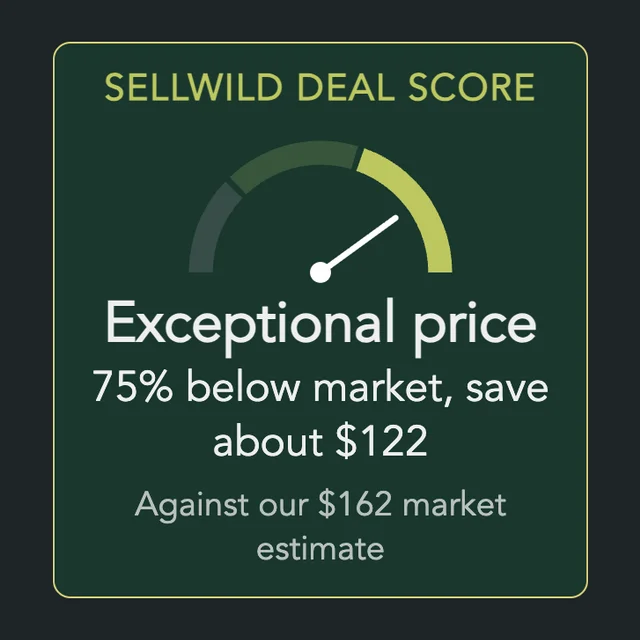
The Sellwild Deal Score
What the Deal Score on a listing means, and how we decide a price is a deal.

Guest Checkout
Buy without signing in first, and find your order afterwards.

Manage Chats
Find a conversation, see what is new, reply, and copy or delete messages.

Blocking and Reporting
Stop someone from messaging you, and report them to the Sellwild team.

Manage Wishlist
Save listings with the heart, then find, buy or clear them from your Wishlist.
