


Current Status on an order says where it is. Your card is held at checkout and charged when the seller accepts. The tracking number shows once the seller has a label. Confirm Receipt completes the order, and a delivered order completes by itself after 3 days.
Where your order is
Open the order from My Purchases. Current Status says where it is, and What's Next... says what happens after.
| Status | What it means | Your buttons |
|---|---|---|
| Payment Authorized | You paid. Your card has a hold for the total, not a charge yet. The seller has 7 days to accept, or the order expires and the hold is released. | Cancel Order |
| Seller Accepted Your Order | The seller accepted and your card was charged. They are getting it ready to ship. | Dispute Order |
| Out for Delivery | The seller marked it shipped, or the carrier scanned it. | Confirm Receipt, Dispute Order |
| Item Delivered | The carrier reported it delivered. You have 3 days to confirm or dispute. | Confirm Receipt, Dispute Order |
| Purchase Complete | You confirmed receipt, or 3 days passed after delivery with no dispute. | none |
| Purchase Disputed | A dispute is open and the order is on hold. See Order Disputes. | none |
| Purchase Canceled | The order was cancelled before the seller accepted, it expired, or our team refunded it. | none |


Some items ship straight from a supplier and skip the seller's step. Their orders read Order Processing, Order Confirmed and Shipped instead.
Follow the parcel
If you picked a carrier rate at checkout, the label is bought when the seller accepts, so the tracking number shows right away. If the seller buys the label later or ships with their own carrier, the number shows once they add it.
- Open the order
Go to Purchases, pick On the way, and click Manage on the order.
- Find the number
It sits under What's Next... as Tracking Number, with the carrier's logo.
- Open the carrier's page
Click the number. The carrier's tracking page opens in a new tab.


USPS, UPS, FedEx, DHL, Amazon, OnTrac and LaserShip numbers all open their carrier's page. For any other carrier the number shows without a link, so copy it into the carrier's site.
The order moves along as the carrier scans the parcel. When the carrier marks it delivered, the order changes to Item Delivered by itself. Three days later it changes to Purchase Complete, unless you confirm or dispute first.
If shipping was arranged separately, there is no label and no tracking. The order tells you to sort out delivery with the seller in chat.
Confirm you got it
- Check the item
Open the box and make sure it is what you ordered. Confirming is final, so do this first.
- Click Confirm Receipt
The button shows while the order is Out for Delivery or Item Delivered.
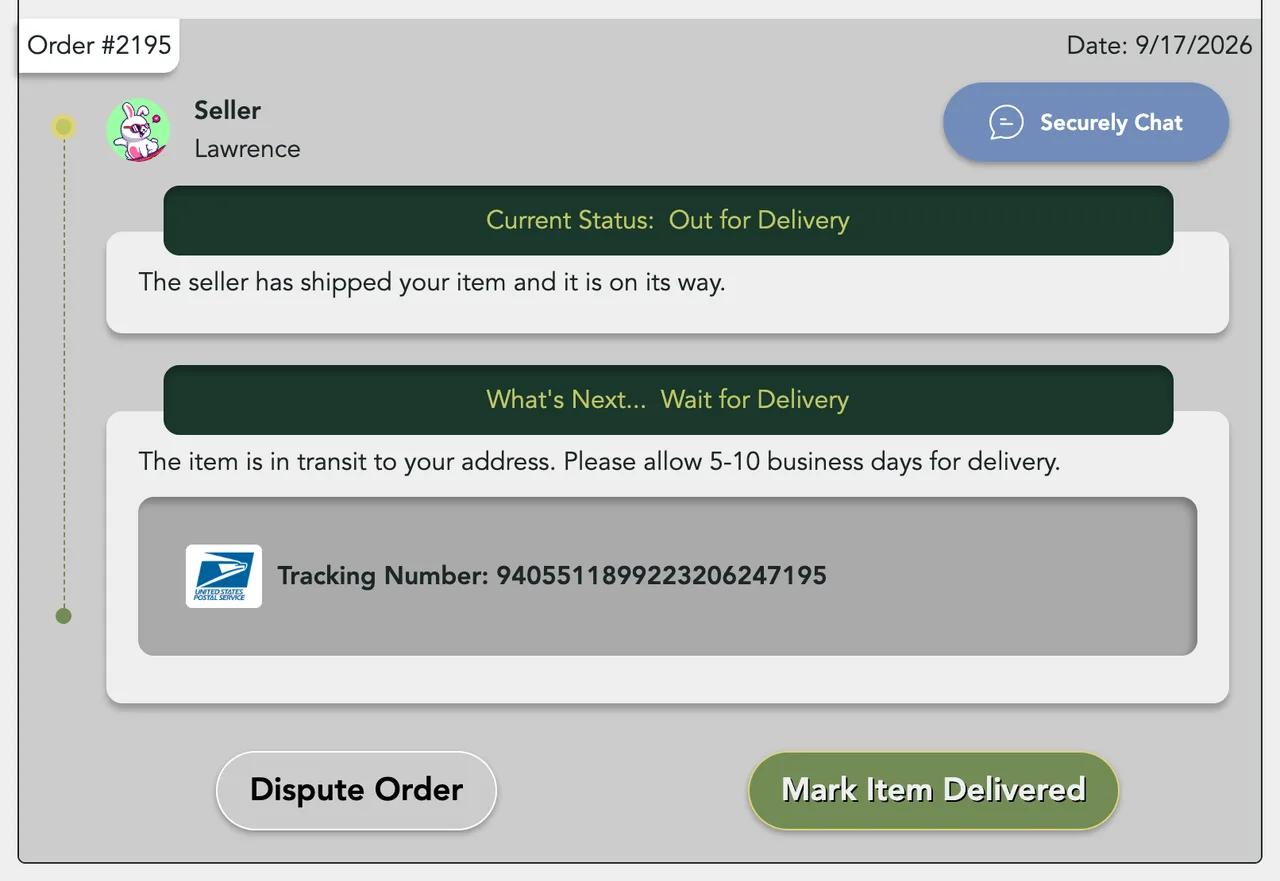
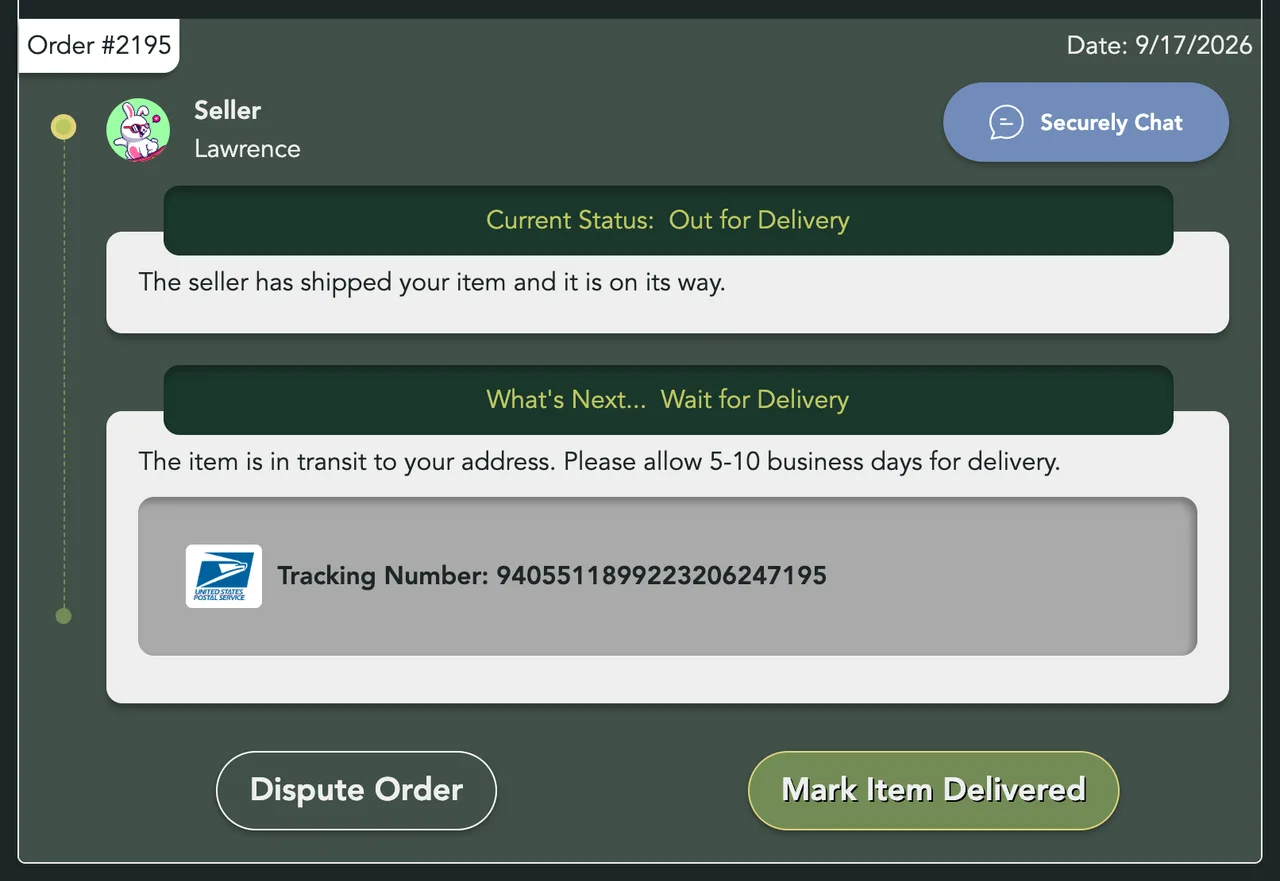
- Confirm
Confirm delivery? opens. Click Yes, I received it, or Nevermind to go back.


The order changes to Purchase Complete, and you and the seller each get a notice on Sellwild. No email is sent for this step. After that the order can't be disputed. If something is wrong, click Dispute Order instead of confirming.
Doing nothing is fine too. Those 3 days are your window to dispute.


If the parcel comes back
When the carrier reports a failed delivery or a parcel returned to sender, you get a notice on Sellwild and our team is alerted. The order keeps its status while we sort it out. Message the seller from the order, or open a dispute.
Emails you get
We email you at each step, with the item's title in the subject. You get Order Submitted when you pay, Order Accepted when the seller accepts, Item Shipped with the tracking number, and Item Delivered. There is no email when the order completes. Transaction Canceled or Transaction Disputed come only if the order ends that way, and the dispute email repeats your reason.
These are order emails, so they cannot be turned off.
Next Steps

My Purchases
Find an order, filter it by status, and read what you paid.

Order Disputes
Open a dispute when an order goes wrong, and what happens after you do.

Cancelling an Order
Cancel an order before the seller accepts it, and what happens to the hold on your card.

Chatting with Sellers
Message a seller from a listing or an order, and what stops a message from sending.
Ship an Order
Approve a sale, print the label or use your own carrier, and mark it shipped.
More Buyer Guides
Creating an Account
Sign in or sign up with a 6-digit code, or with Google, Apple or Facebook. No password.

Sign-in Help
What to do when a sign-in code does not arrive, is refused, or a sign-in link has expired.

How to Buy
Find an item, check out with your saved address and card, and see what you pay.

Search and Filters
Find items by keyword or category, narrow them in the Filters panel, and hide rows you don't want.

The Listing Page
What a listing shows, why it says Buy Now, Contact Seller or View Deal, and how to report one.
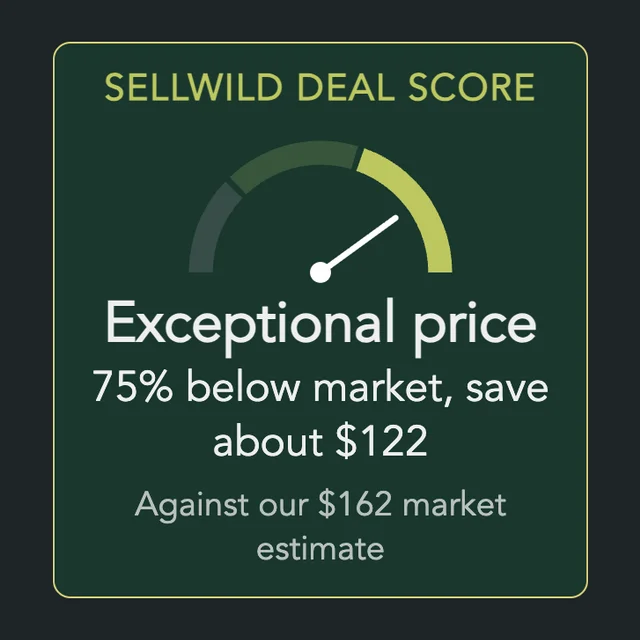
The Sellwild Deal Score
What the Deal Score on a listing means, and how we decide a price is a deal.

Guest Checkout
Buy without signing in first, and find your order afterwards.

Manage Chats
Find a conversation, see what is new, reply, and copy or delete messages.

Blocking and Reporting
Stop someone from messaging you, and report them to the Sellwild team.

Manage Wishlist
Save listings with the heart, then find, buy or clear them from your Wishlist.
