


Type your email or phone number and Sellwild sends a 6-digit code. The code works once, for 15 minutes. The same steps sign you in or make a new account, so there is no separate sign-up form.
Sign in with a code
- Open sign-in
Click the person icon at the top right. Signed out, the wishlist heart, the chat button and posting a listing open the same box.
- Type your email or phone number
Use the Phone or Email box. A number with no country code is read as a US number. For any other country, start with + and the country code, like +44.
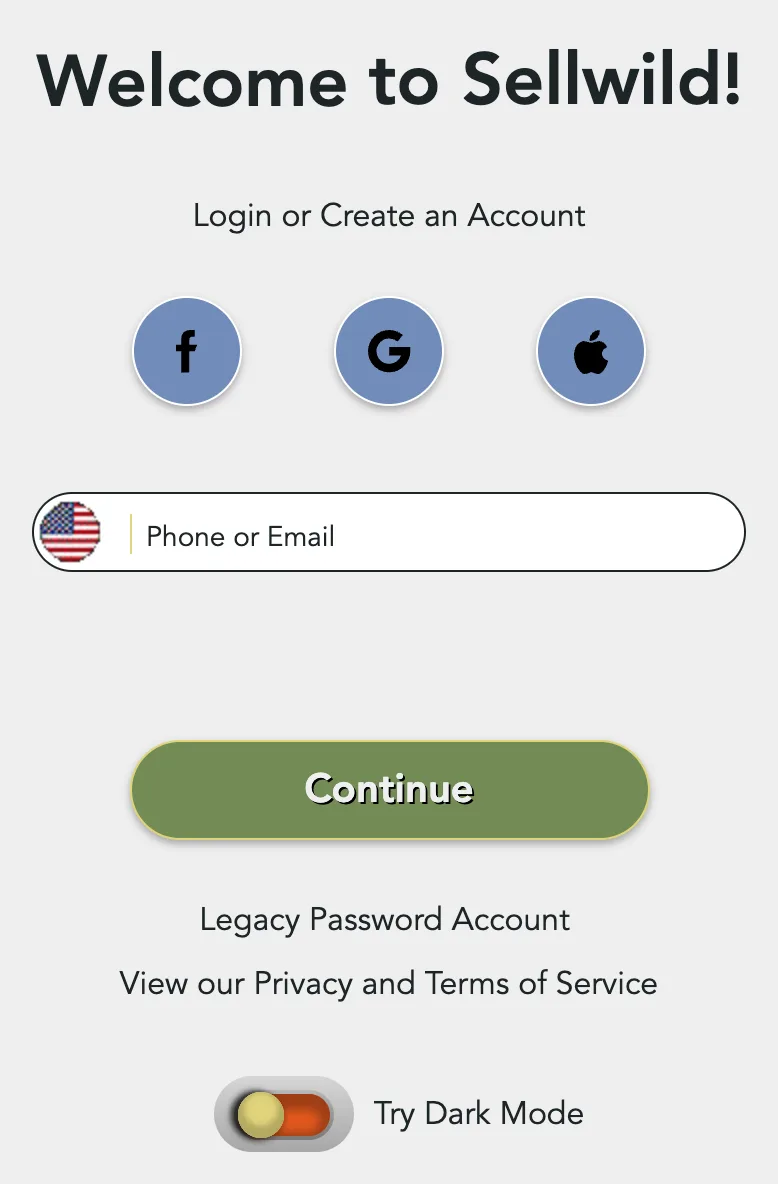
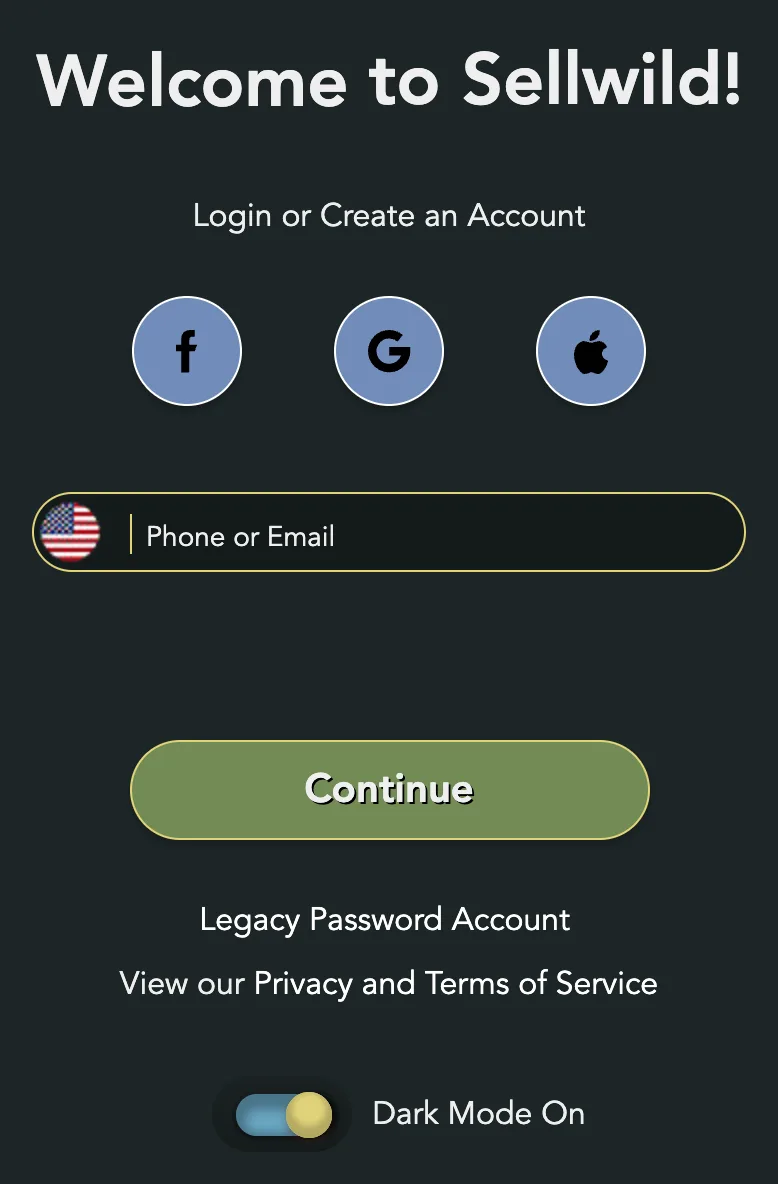
- Click Continue
The heading changes to We just e-mailed you or We just texted you.
- Type the 6 digits
The code works for 15 minutes, and only once. An email also has a sign-in link, which does the same job.
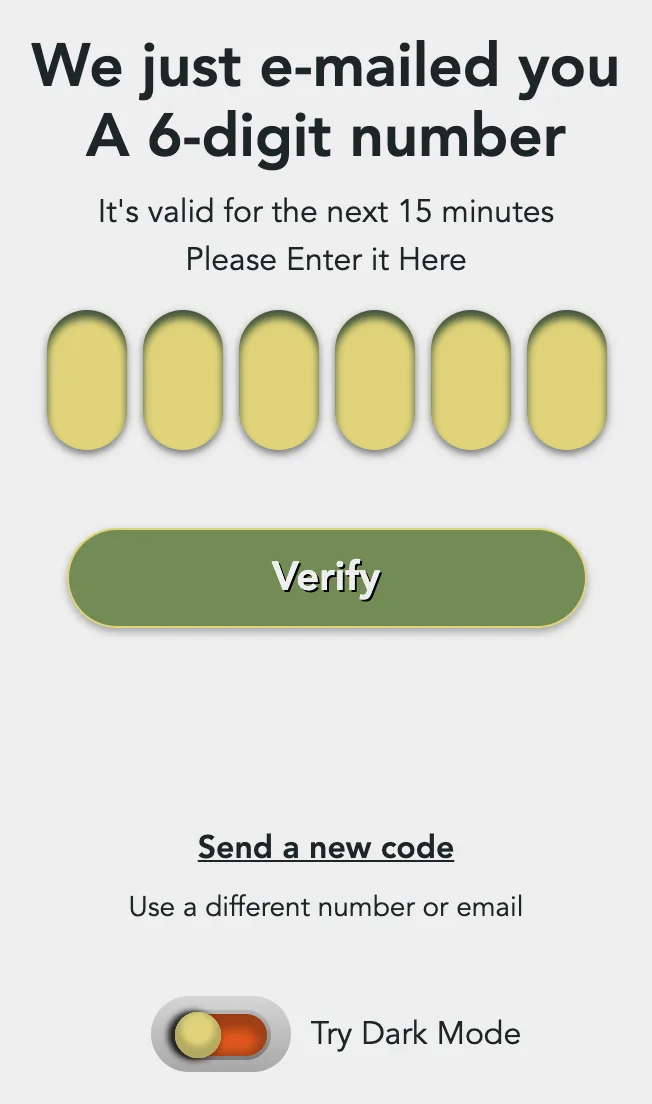
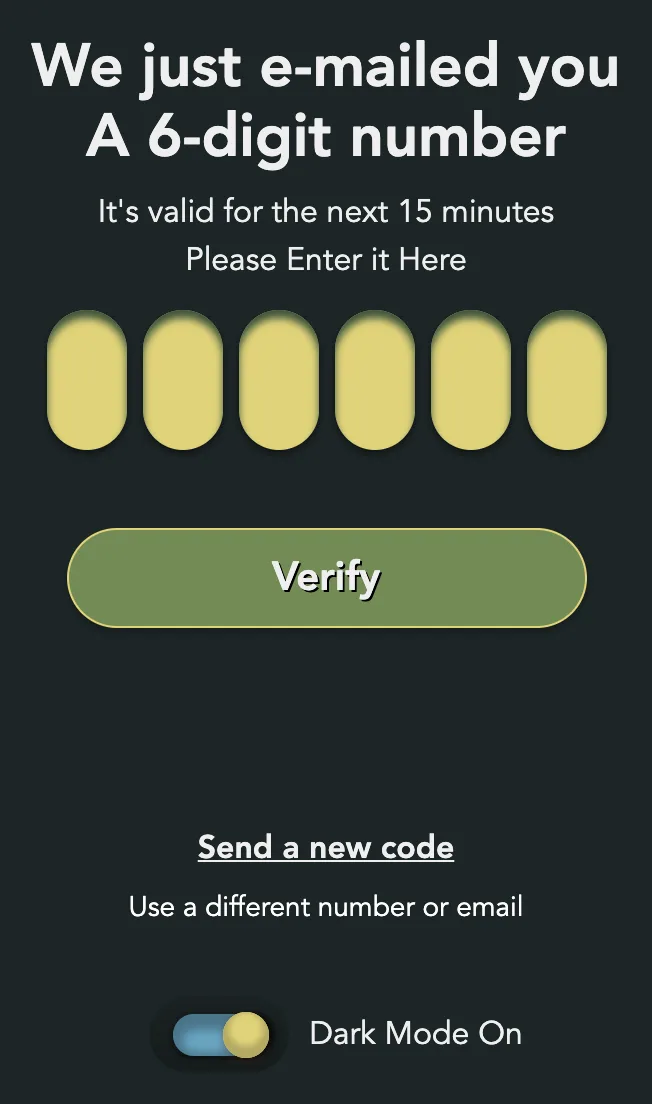
- Click Verify
You're Logged In! shows for a moment, then you land back where you started.




If the code does not come, or Sellwild refuses it, see Sign-in Help.
Add your name the first time
We need a little more info to finish up! shows next when the account has no first name or no email. That is every new account.
- Type your name
Name is required. Buyers see your first name. A last name is optional.
- Add an email, or leave it blank
Email Address (optional) is where receipts and order updates go. If you type one, Sellwild emails a code to check it. Type that code and click Verify.
- Click Continue
Welcome to the Jungle! means your account is ready.
If you close this screen, your account still works. My Account asks for the name and email again until you add them. See Manage Profile.
Sign in with Google, Apple or Facebook
The three round buttons above the Phone or Email box are Facebook, Google and Apple. Each one opens that company's own sign-in. In the phone app it opens as a sheet over Sellwild.
Google and Apple prove the address belongs to you. You go straight in, to the Sellwild account that already uses it if there is one.
Facebook does not. The first time you use it, Sellwild emails a code to the address on your Facebook account and shows Confirm your email. Type the code and click Verify. You only do this once.


Bought as a guest?
A guest checkout makes an account under the email you typed for the order. The email Your Sellwild order and your new account says so. Sign in with that address to follow the order. The card you paid with is saved to the account. See Guest Checkout.
Old password accounts
Accounts from before codes can still use a password. Click Legacy Password Account under the buttons, then sign in with your email and password. Need to reset your password? sends a reset email. A code works for these accounts too.
Next Steps

Sign-in Help
What to do when a sign-in code does not arrive, is refused, or a sign-in link has expired.

How to Buy
Find an item, check out with your saved address and card, and see what you pay.

Manage Profile
Change your photo, name and email, sign out, or close your account.

Notification Preferences
Choose which emails Sellwild sends you, set when digests arrive, and unsubscribe from one email.

Selling Your First Item
Post a listing from start to finish, one form, top to bottom.
More Buyer Guides

Search and Filters
Find items by keyword or category, narrow them in the Filters panel, and hide rows you don't want.

The Listing Page
What a listing shows, why it says Buy Now, Contact Seller or View Deal, and how to report one.

The Sellwild Deal Score
What the Deal Score on a listing means, and how we decide a price is a deal.

Guest Checkout
Buy without signing in first, and find your order afterwards.

Chatting with Sellers
Message a seller from a listing or an order, and what stops a message from sending.

Tracking Your Order
What each order status means, where the tracking number is, and how to confirm you got it.

My Purchases
Find an order, filter it by status, and read what you paid.

Cancelling an Order
Cancel an order before the seller accepts it, and what happens to the hold on your card.

Order Disputes
Open a dispute when an order goes wrong, and what happens after you do.

Manage Chats
Find a conversation, see what is new, reply, and copy or delete messages.

Blocking and Reporting
Stop someone from messaging you, and report them to the Sellwild team.

Manage Wishlist
Save listings with the heart, then find, buy or clear them from your Wishlist.
