


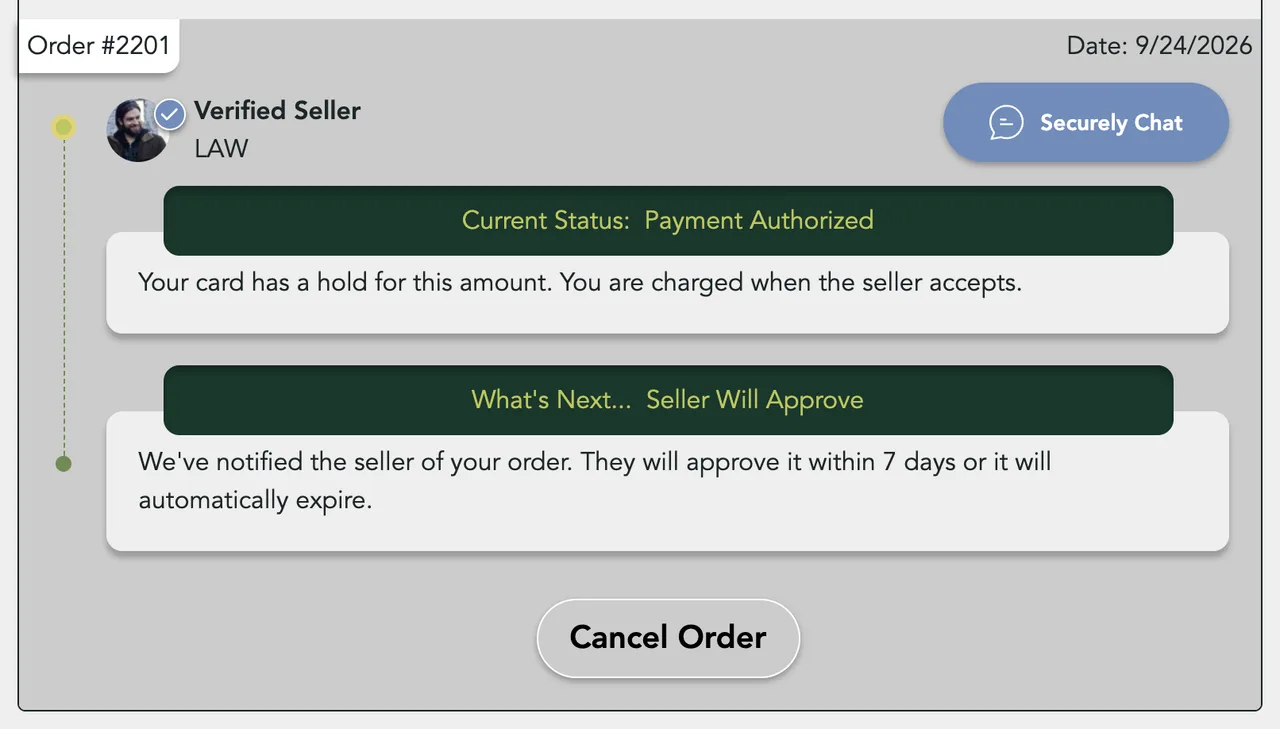
You can cancel an order while it reads Payment Authorized, before the seller accepts. Cancelling releases the hold on your card, tells the seller, and puts the item back on sale. Once the seller accepts, the button becomes Dispute Order.
Cancel before the seller accepts
At checkout your card is held for the total, not charged. The charge happens when the seller accepts. Until then you can cancel.
- Open the order
Go to Purchases in your account, pick Paid, and click Manage on the order.
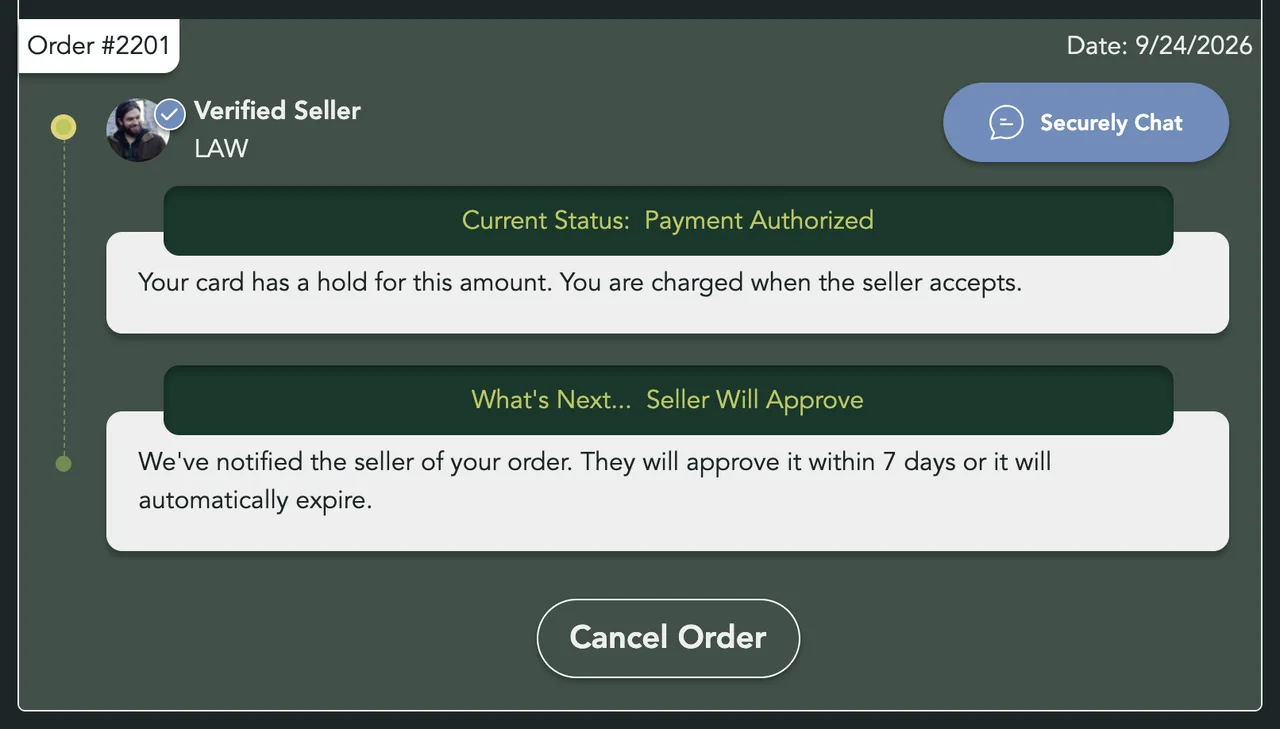
- Click Cancel Order
It shows while the order reads Payment Authorized.
- Confirm
Cancel this order? opens. Click Cancel Order again to confirm, or Nevermind to keep the order.


What happens when you cancel
- The order changes to Purchase Canceled and moves under the Cancelled filter.
- The hold on your card is released. Your bank decides how soon it drops off your statement.
- You and the seller each get a Transaction Canceled email.
- The item goes back on sale.
- A coupon you used on the order can be used again.


If the seller never accepts
The seller has 7 days to accept. If they don't, the order cancels itself. You get the same email and the hold is released.
After the seller accepts
Your card is charged when the seller accepts, so Cancel Order goes away. Ask the seller in chat first. If that doesn't fix it, click Dispute Order. See Order Disputes.
Next Steps

My Purchases
Find an order, filter it by status, and read what you paid.

Tracking Your Order
What each order status means, where the tracking number is, and how to confirm you got it.

Order Disputes
Open a dispute when an order goes wrong, and what happens after you do.
Chatting with Sellers
Message a seller from a listing or an order, and what stops a message from sending.
More Buyer Guides
Creating an Account
Sign in or sign up with a 6-digit code, or with Google, Apple or Facebook. No password.
Sign-in Help
What to do when a sign-in code does not arrive, is refused, or a sign-in link has expired.

How to Buy
Find an item, check out with your saved address and card, and see what you pay.
Search and Filters
Find items by keyword or category, narrow them in the Filters panel, and hide rows you don't want.

The Listing Page
What a listing shows, why it says Buy Now, Contact Seller or View Deal, and how to report one.
The Sellwild Deal Score
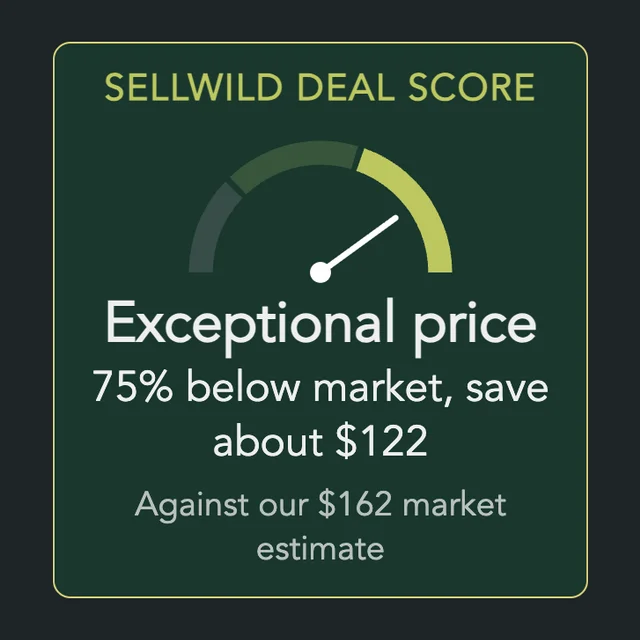
What the Deal Score on a listing means, and how we decide a price is a deal.

Guest Checkout
Buy without signing in first, and find your order afterwards.

Manage Chats
Find a conversation, see what is new, reply, and copy or delete messages.

Blocking and Reporting
Stop someone from messaging you, and report them to the Sellwild team.

Manage Wishlist
Save listings with the heart, then find, buy or clear them from your Wishlist.
