


The heart on a listing card or listing page saves it to Wishlist in your account, newest first. Each item shows its price and whether it is still for sale. Buy Now shows only on items you can still buy on Sellwild; partner items show View Deal.
Save a listing
Press the heart at the bottom left of a listing's photo, or the heart beside the price on the listing page. It fills in and plays a short burst. Press it again to take the item off.
If you aren't signed in, the sign-in window opens first. See Creating an Account.


Open your Wishlist
Open your account and pick Wishlist from its menu. The newest item is at the top.


Each row shows a photo, the title and the price. Point at the photo to see the others. When the seller runs a sale, the old price is crossed out beside the new one and the percent off.
A tag says where the item stands. While it is for sale it reads Listed or Popular. It reads Sale Pending while someone buys it, and no one else can buy it then. After that it reads Sold, or Taken if the listing was removed.
Buy, visit or remove an item
At the right of each row:
- View Listing opens its page.
- Buy Now goes straight to checkout. It shows only while the item is for sale and the seller takes payments on Sellwild.
- View Deal opens a partner store, such as Amazon, in a new tab.
- The × removes the item.


An item still for sale with neither Buy Now nor View Deal is bought by talking to the seller. Open it and press Contact Seller, covered in Chatting with Sellers.
What else the heart does
Your Wishlist is yours alone: nobody else can see it. On For You, a Your Wishlist row appears once you have saved four or more items, and Because You Liked rows show listings like the ones you saved.
With nothing saved, the page says "You Haven't Hearted Anything Yet", and Browse Marketplace takes you back to shopping.
Next Steps
The Listing Page
What a listing shows, why it says Buy Now, Contact Seller or View Deal, and how to report one.
How to Buy
Find an item, check out with your saved address and card, and see what you pay.
Search and Filters
Find items by keyword or category, narrow them in the Filters panel, and hide rows you don't want.
My Purchases
Find an order, filter it by status, and read what you paid.
More Buyer Guides
Creating an Account
Sign in or sign up with a 6-digit code, or with Google, Apple or Facebook. No password.
Sign-in Help
What to do when a sign-in code does not arrive, is refused, or a sign-in link has expired.
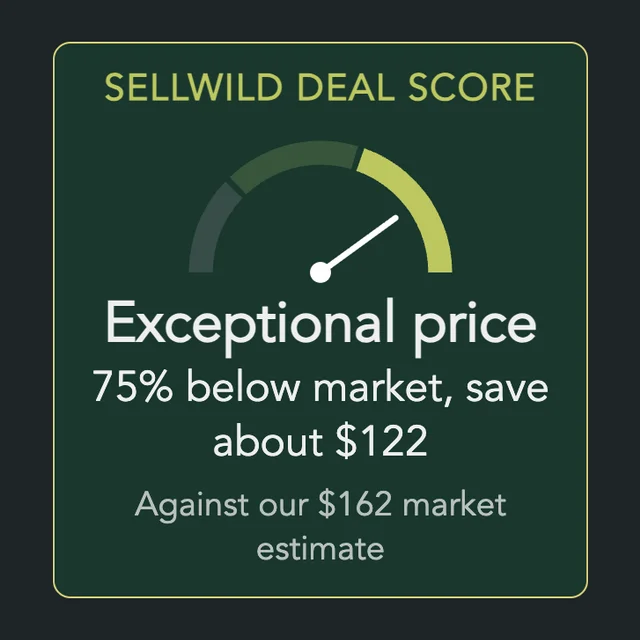
The Sellwild Deal Score
What the Deal Score on a listing means, and how we decide a price is a deal.
Guest Checkout
Buy without signing in first, and find your order afterwards.
Chatting with Sellers
Message a seller from a listing or an order, and what stops a message from sending.

Tracking Your Order
What each order status means, where the tracking number is, and how to confirm you got it.
Cancelling an Order
Cancel an order before the seller accepts it, and what happens to the hold on your card.
Order Disputes
Open a dispute when an order goes wrong, and what happens after you do.
Manage Chats
Find a conversation, see what is new, reply, and copy or delete messages.
Blocking and Reporting
Stop someone from messaging you, and report them to the Sellwild team.
