


Press Sell, add photos, a title and a price, then pick a category, a condition and the packaging. Press Finish and the listing goes live. Set up payouts in your wallet so buyers see Buy Now.
Before you start
You can fill in the form signed out. Finish asks you to sign in, then posts the listing.
Two boxes may show at the top of the form. What name should buyers see? asks for the name on your listings. Add an email before your first sale asks for an email, because sale alerts go there. Neither one stops you from posting.
Fill in the form
The Sell page is one long form. Work down it.


- Add photos
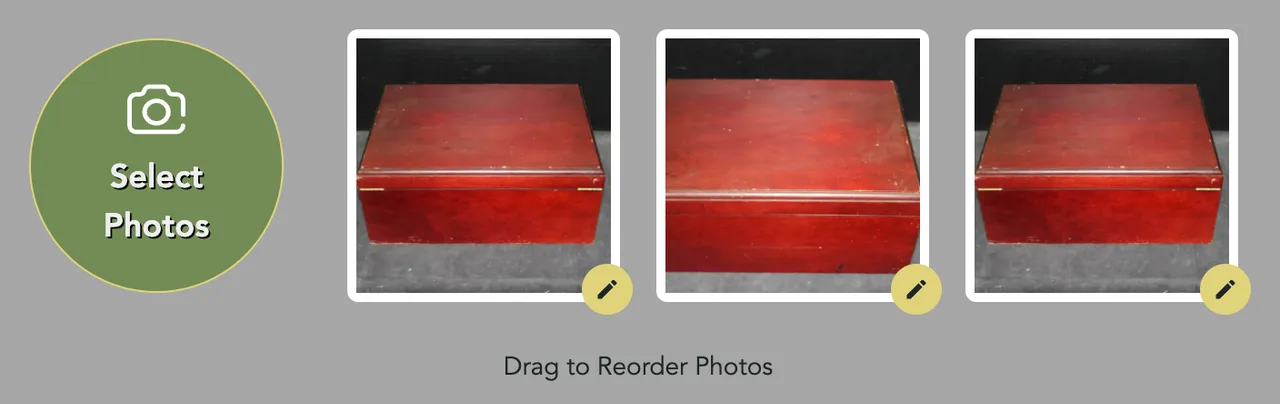
Press Sell in the header, or Post Listing in your account sidebar. Then press Select Photos. You can add up to 20. Until you add one, a note beside the button asks for photos. The first one is the one buyers see in search. See Taking Great Photos.
- Name it
Type a title in What are you selling? (Required). Say what it is, with the brand if it has one.
- Price it
The price starts at $5, the lowest you can ask. Type yours under Name Your Price (USD). The line beside it shows your Sellwild Fee and what You Earn. The sparkle button can fill in the price and most of the form for you. See Pricing Your Item.
- Describe it
Describe your item (Optional) is for size, color, brand and any flaws.
- Pick a category
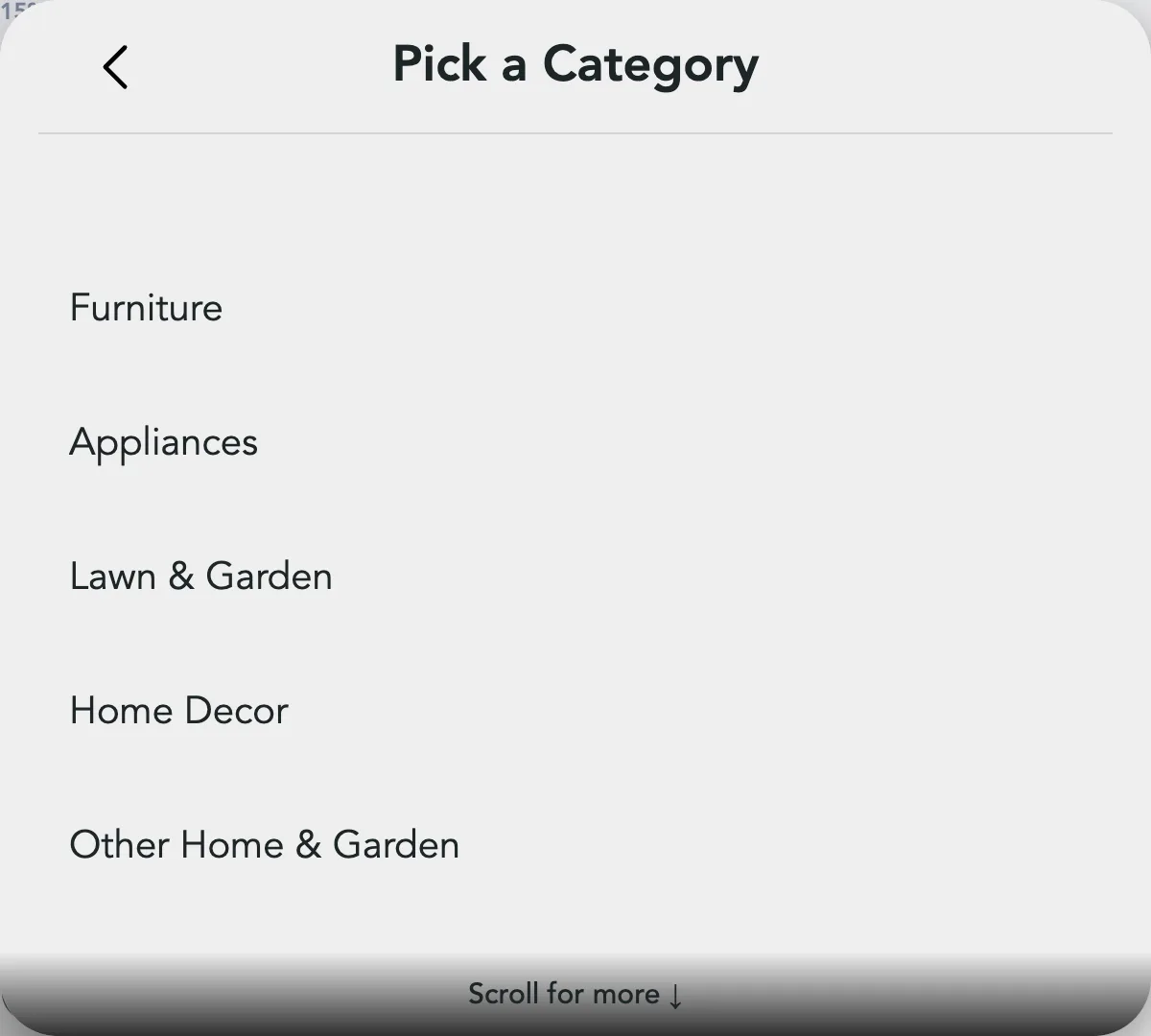
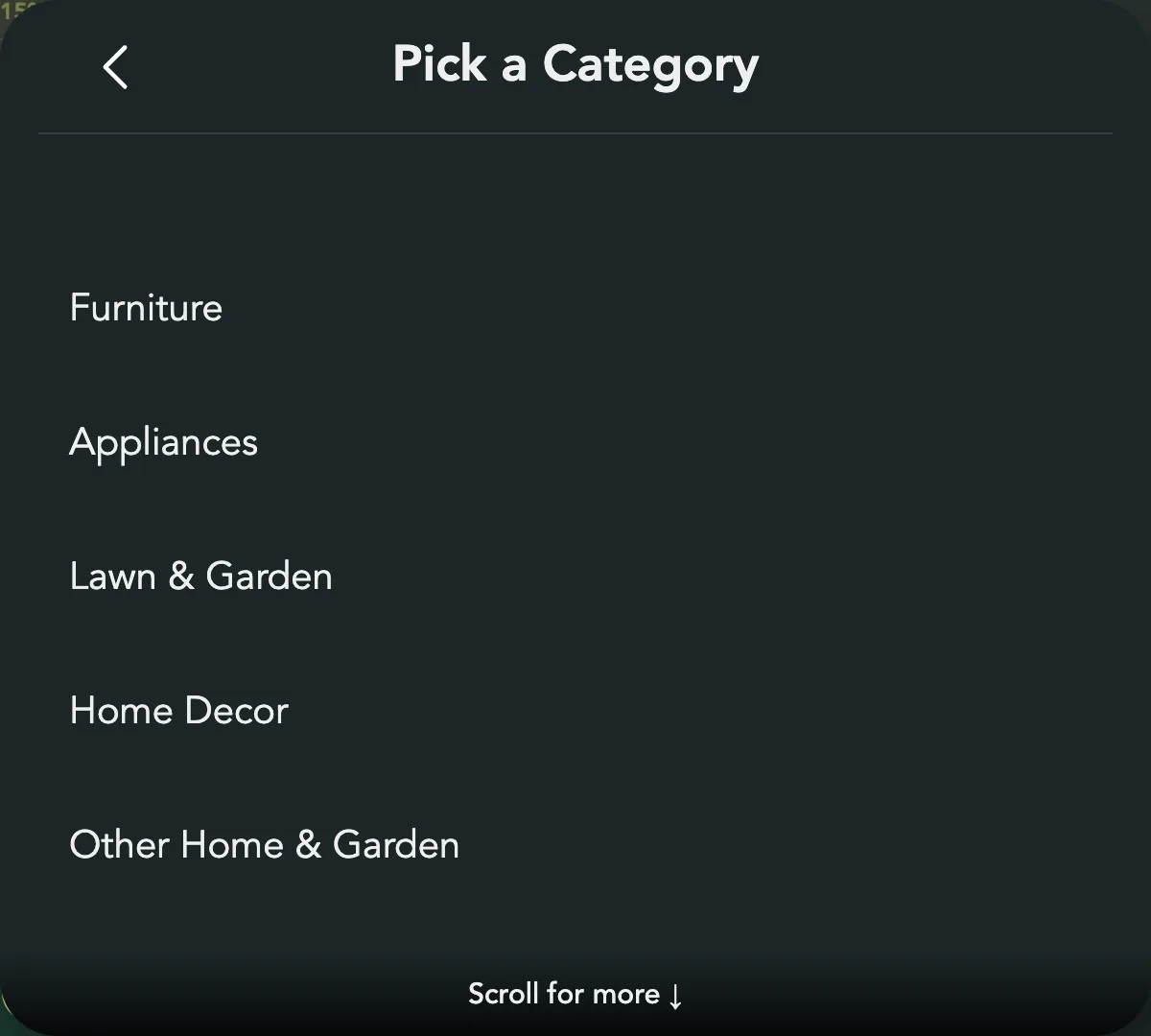
Press Category. Pick a group, then the kind of item.
- Pick a condition
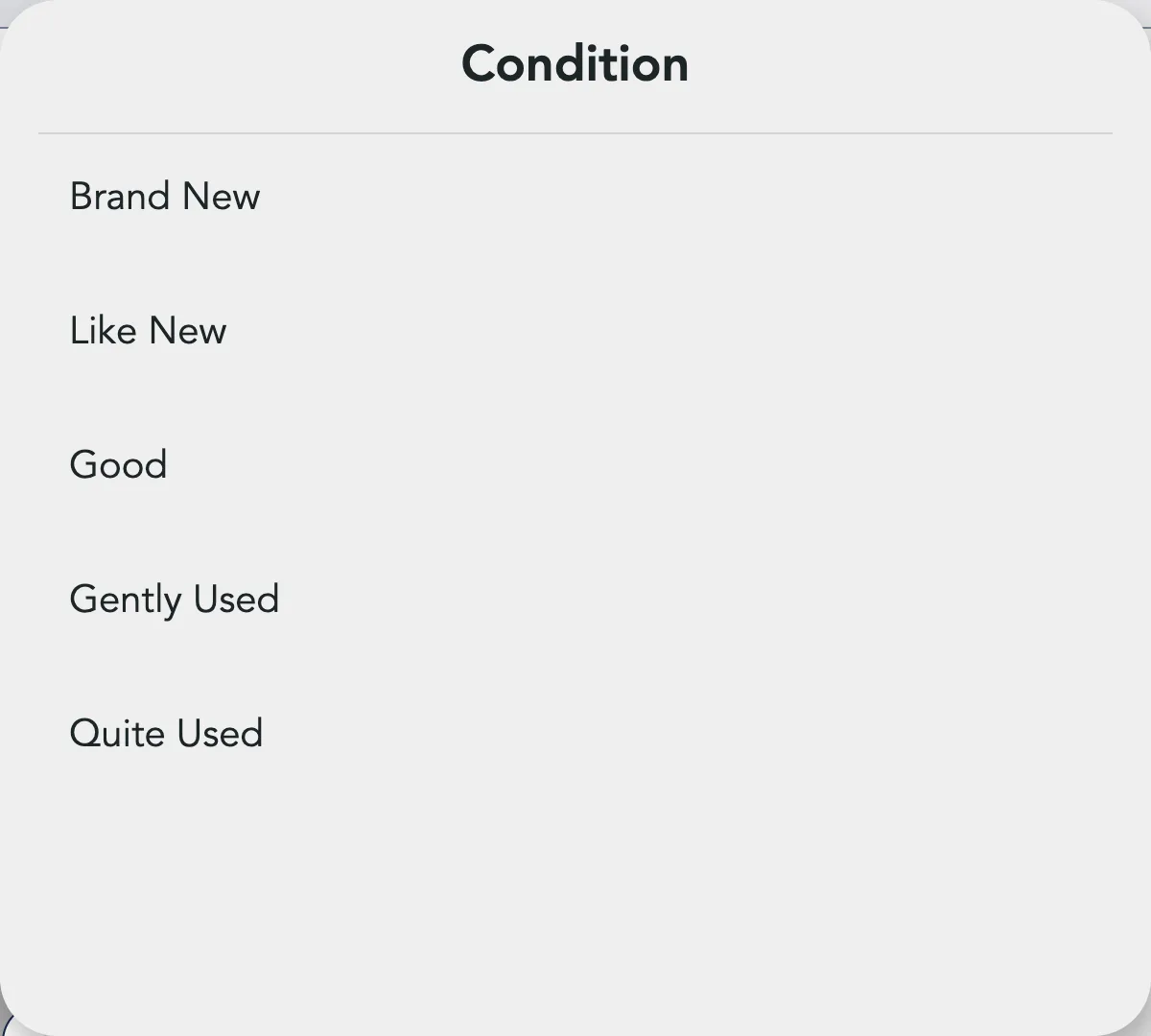
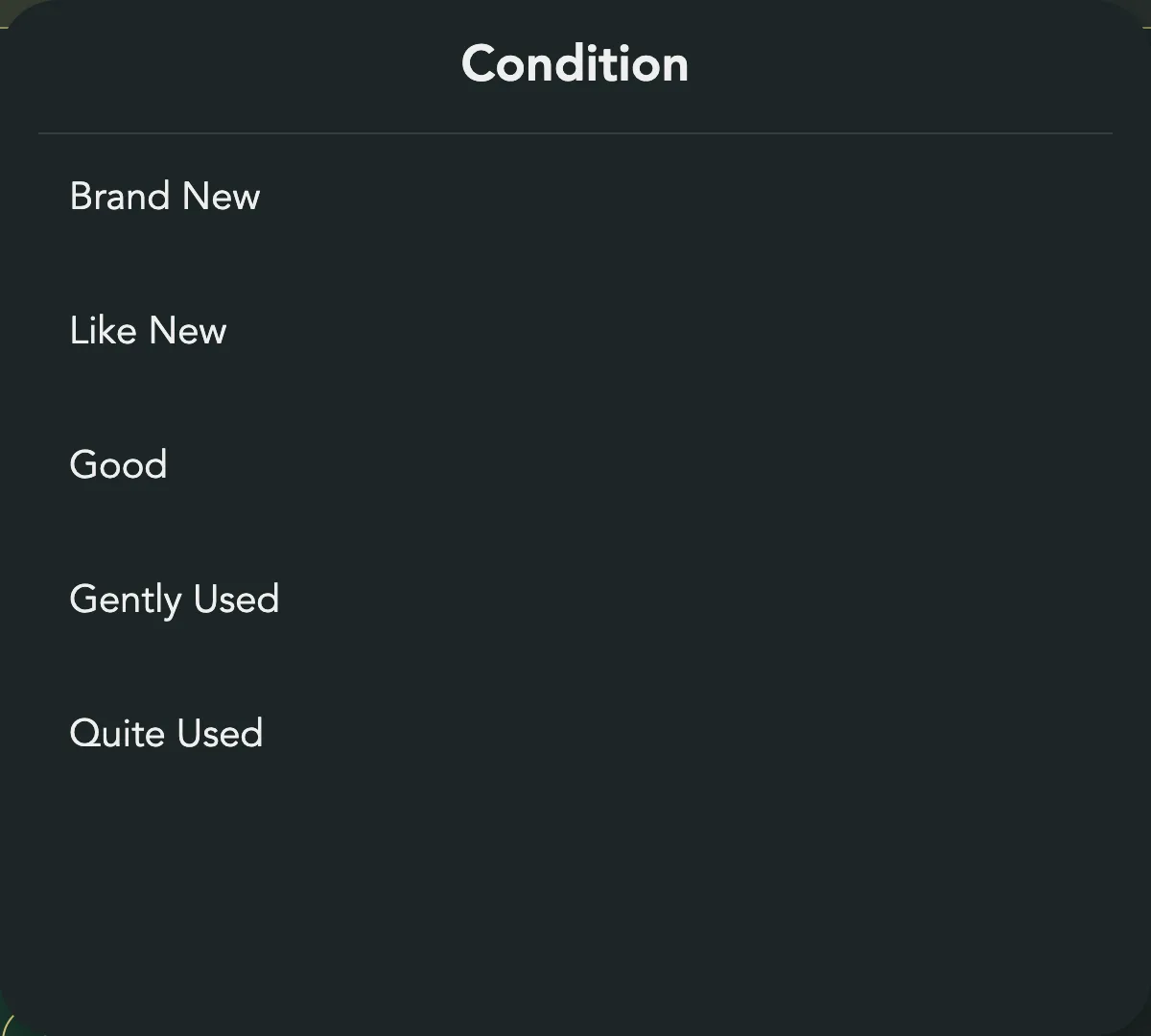
Press Condition and pick one: Brand New, Like New, Good, Gently Used or Quite Used. Opening a category group clears the condition, so pick the category first.
- Choose the packaging
Under Item Shipping, pick the box you will ship in and type its weight. The buyer pays for shipping. See Packaging and Weight.


Post it
Press Finish. It says Saving... while your photos upload.
When it is done, Listing Published! opens with three links:
| Link | What it does |
|---|---|
| Add Another Listing | Closes the box on an empty form |
| Edit this listing | Opens the edit page in a new tab |
| View this Listing | Opens the listing as buyers see it, in a new tab |
If you have not set up payouts, the box also says How should we pay you? with a Get Your Earnings button. Until Stripe lets you take card payments, buyers see Contact Seller on your listing instead of Buy Now. See Getting Paid.
When someone buys it, we email you. See Ship an Order.
Put no phone number, WhatsApp or Telegram contact in the title or description. Buyers pay and message you through Sellwild. A listing with one waits for us to look at it before it goes live, and a note says "Your listing is under review." In My Listings the row reads Under review until we approve it.
When Finish does nothing
Finish checks the form first. If something is missing, the page scrolls to it and a red note says what to fix. Nothing is posted.


| Message | Fix |
|---|---|
| "Please add Photos of your Listing. Max 20." | Add at least one photo |
| "We need a short title" | Type a title |
| "Set a price of $5 or more" | Type a price of $5.00 or more |
| "Category is required" | Pick a category |
| "Condition is required" | Pick a condition |
| "Weight needed" | Type the weight under the packaging |
If you have no ship-from address yet, Finish saves the address you typed. Press Finish again to post.
Come back to it later
The form keeps what you typed and your photos in this browser until you post. Leave the page and come back, and they are still there. The photos come back in the order you added them, without any edits.
None of it is saved to your account. It does not follow you to another phone or computer, and signing out clears the text.
Next Steps

Taking Great Photos
Shoot, upload, order and fix up to 20 photos per listing.

Pricing Your Item
Set a price, let AI suggest one, and see what you keep after the fee.

Packaging and Weight
Pick the box a listing ships in, give its weight, and set where it ships from.

Manage Listings
Find any listing you have posted, read its status, relist or archive it, and change the packaging on many at once.
Ship an Order
Approve a sale, print the label or use your own carrier, and mark it shipped.

Getting Paid
Set up payouts with Stripe, clear anything it flags, and know when the money moves.
More Seller Guides
Buy a Shipping Label
Get a USPS label for an order that was paid without one.

Fees and What You Earn
What the buyer pays, what Sellwild keeps, and what reaches your Stripe balance.

Manage Sales
Find an order, read its status and what you earn, and handle cancellations and disputes.

Manage Wallet
Check your Stripe balance, read your earnings, and manage the cards you pay with.

Edit, Mark Sold or Delete
Change a live listing, close it out when it sells elsewhere, or take it down.

Manage Discounts
The Discounts page holds your coupons, BOGO promotions and timed discounts. Pick the right one and keep track of it.

Choose Listings for a Discount
Add a coupon, BOGO promotion or timed discount to one listing, a search, or your whole shop.

Coupons & Promo Codes
Make a coupon that takes money off by itself or with a code, set its limits and dates, and see what buyers see.

Timed Discounts
Lower a listing's price by a set amount on a schedule, down to a floor you choose.

BOGO Coupons
Run a Buy One, Get One promotion that sends each buyer a personal reward code for their next purchase from you.

Shipping Settings
Choose your label size, your default packaging and the address you ship from.

Manage Addresses
Add your addresses, choose the default, and remove the ones you no longer use.

Manage Profile
Change your photo, name and email, sign out, or close your account.

Storefront Username
Pick the name in your store's web address. You can change it once.

Notification Preferences
Choose which emails Sellwild sends you, set when digests arrive, and unsubscribe from one email.
